
Leave Management
Capture and approve employee leave requests without spreadsheets or manual admin.
Trusted by the best



Elle Zeitoune










My Food Bag

DB Breweries

Sime Darby
Leave requests and approvals without the back and forth
Australian and New Zealand businesses can handle employee leave without spreadsheets, inbox chasing or manual double handling. Timecloud supports leave balances, partial days, minimum notice period, supporting documents like medical certificates, leave applications and approvals, and block out days, all connected in one workflow that flows through to roster and attendance visibility.

Self-service leave that saves admin time
Let staff request leave without chasing managers
Employees can apply for leave from the mobile app, check their balances, choose full or partial days, and submit requests in one place.
Handle real-world requests, not just full days
Support full-day and partial-day leave requests so staff can apply for the time they actually need, whether that is a few hours, half a day, or multiple days.
Collect the details upfront
Add minimum notice rules and attach supporting documents like doctor’s notes at the time of application so managers have the context they need before making a decision.
Approve leave with full context
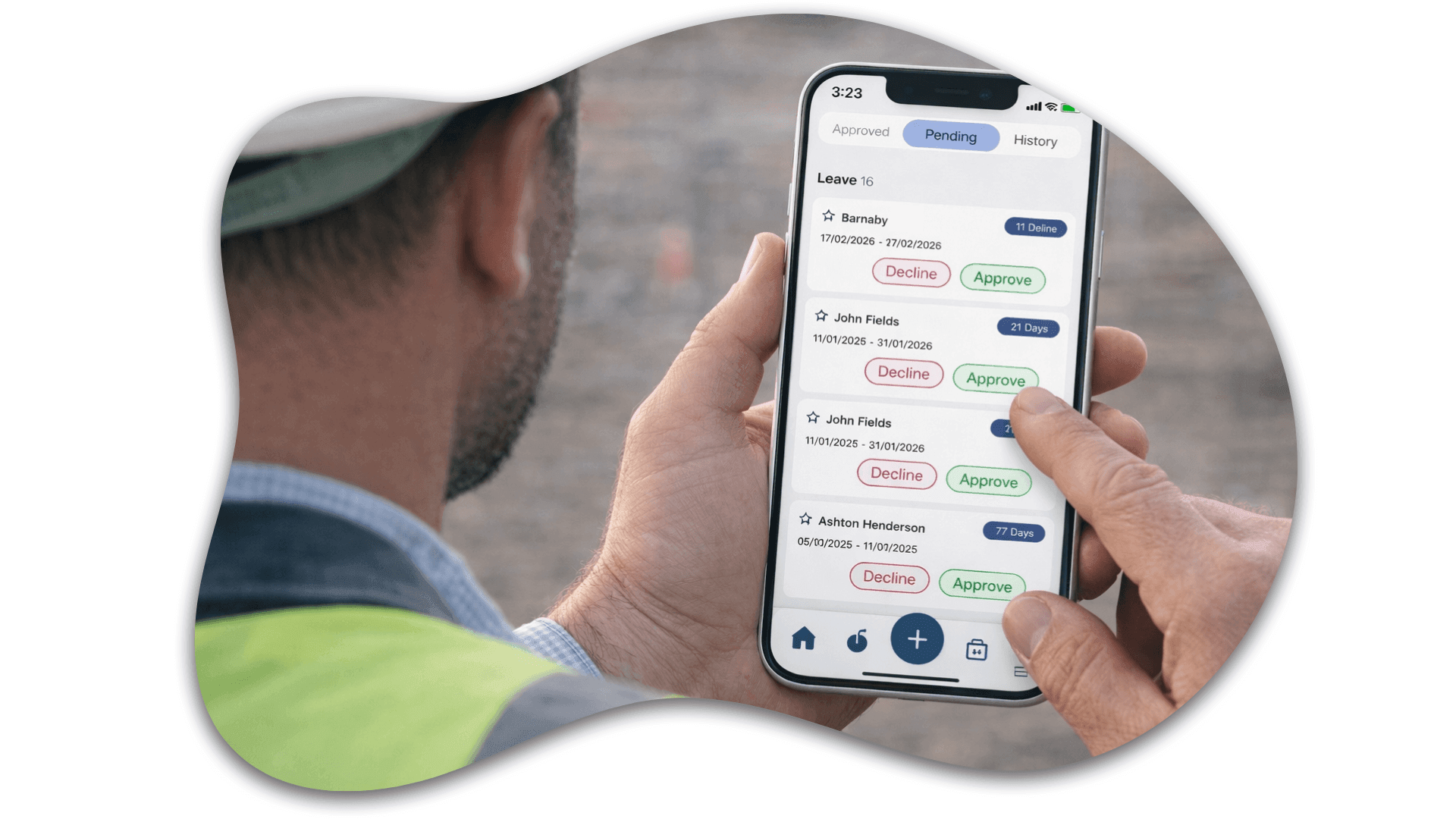
See the full request before you approve
Give managers clear visibility of leave balances, request details and supporting notes, so they can make informed decisions without chasing extra information.
Handle changes without waiting for staff
If leave was missed, changed or entered late, managers can apply leave directly from the attendance page, even if the employee has not submitted an application.
Avoid downstream issues before they start
Approved and manager-entered leave stays connected to attendance, rosters and payroll review, helping reduce manual corrections and avoidable payroll issues.


Better coverage planning with block out days
Prevent avoidable staffing gaps
Block-out days help set clear expectations around when leave should be restricted, so managers can protect coverage during peak periods and critical trading dates.
Make availability easier to understand
Give schedulers a clearer view of who is unavailable and when, without relying on separate calendars or manual notes.
Keep leave and workforce planning connected
Managing leave and block out rules in the same system makes it easier to balance employee flexibility with operational requirements.
Payroll-connected leave without double handling
Pull balances from payroll
Sync leave balances with supported payroll integrations, so employees and managers can see up-to-date balances before leave is requested or approved.
Send leave applications and approvals back
Approved leave applications can move into payroll workflows alongside timesheets, pay codes and employee records, reducing re-entry before pay runs.
Keep payroll, rosters and attendance aligned
Leave updates connect back to attendance and roster visibility, so payroll teams are not working from disconnected spreadsheets or late email updates.
